
The Mac maintenance routine I stick to!
Using a single AI assistant

Hey friends,
Now, I’ve always considered myself fairly neat. But somehow, that never really extended to my Mac. When it comes to maintenance, I was more in the “ignore till something breaks” category.
Security update available? Later. Some app is eating 70% of my CPU for no visible reason? I’ll look into it after this submission.
It wasn’t until my Mac froze completely while I was screen-sharing with a client that I decided to build a more sustainable Mac maintenance routine.
Today, I’ll show you how to run maintenance on a Mac using an AI assistant.
Why Mac maintenance kept slipping through the cracks
I’ve tried being a responsible Mac user with routines like a monthly cleanup checklist. It was never something I looked forward to, and you are probably familiar with the mood that takes over during such tasks.
But even besides that, I always felt like maintenance tasks always showed up at the worst possible moment. When I want to install and test a new app, it’s when that annoying memory notification pops up. Or maybe an update notification when I’m super busy.
I’d therefore ignore warnings, postpone updates, and promise myself I’d “fix everything later.”
Start with Eney, the AI assistant that just… handles it
My problem was less a lack of information and more the time and will to get my Mac maintenance tasks done. Therefore, when I came across Eney, I was quite intrigued.
This was an AI assistant claiming that instead of telling me what to do, it would do it itself. On my Mac!
I first tried it out of curiosity and asked it to clear my Trash bin, which is one of its many skills. It did it right away!
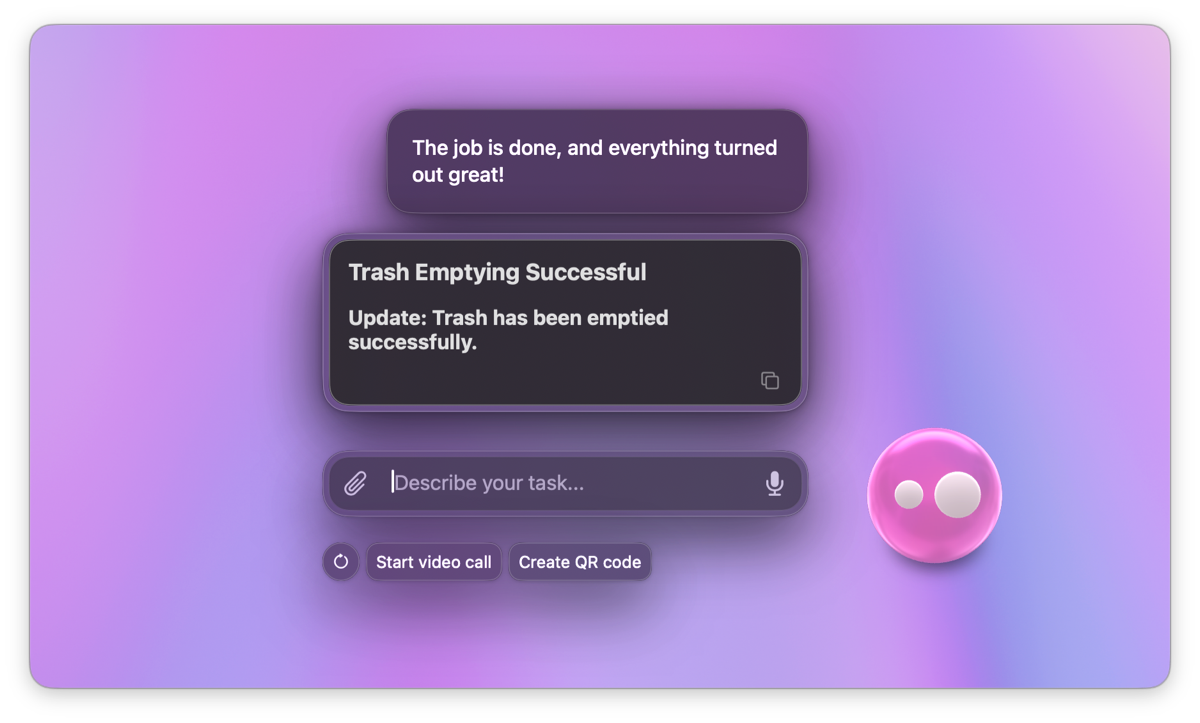
Almost immediately, I started configuring it to handle most of my Mac maintenance tasks.
System monitoring is no longer a high-tech affair
Sometimes Mac just starts behaving like it has had a long day.
Normally, this requires firing up diagnostics apps that fill the screen with numbers that I don’t really understand. But in such situations, all I need to know is whether my Mac is slowing down due to RAM, CPU, or memory usage.
Eney makes that super easy. I only need to tell the assistant to “check RAM” or “check CPU usage.” It will do it in the background and give me simplified results.
System optimization runs automatically
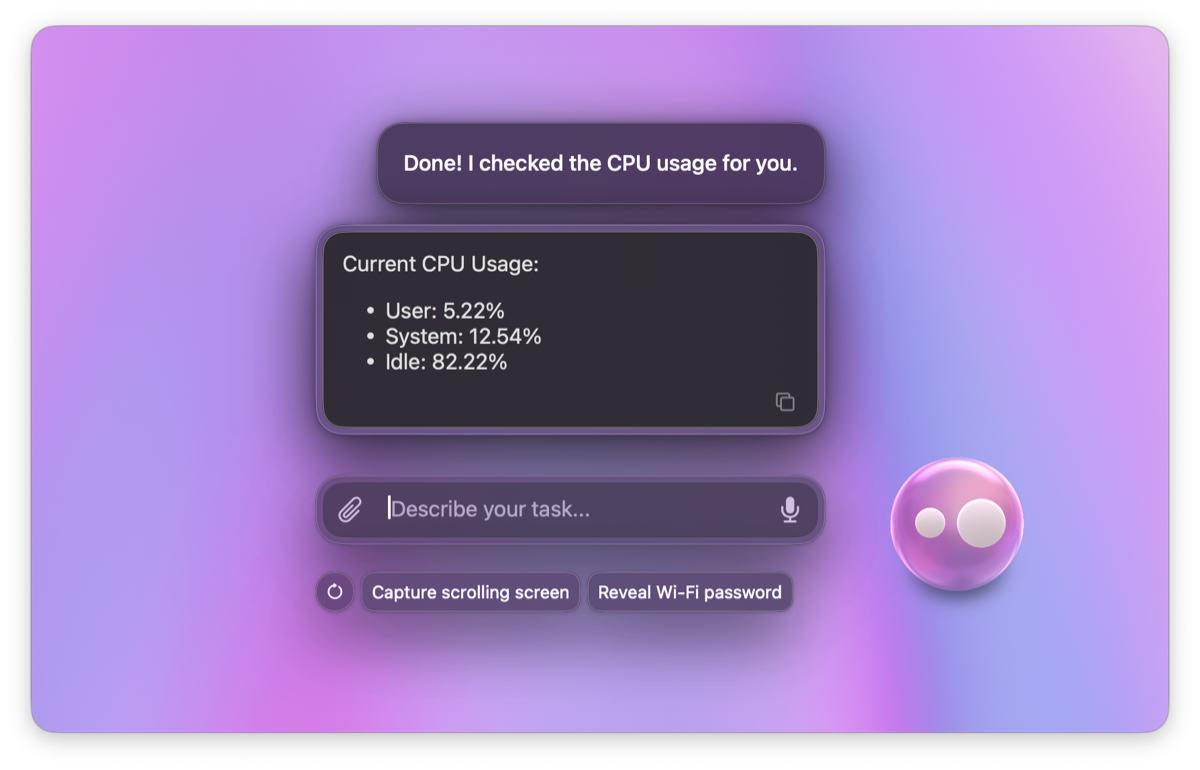
I now use Eney to handle the tiny tasks I always ignored until my Mac started becoming dramatic.
Things like clearing temporary files, deleting forgotten downloads, and cleaning up leftover junk from installs and updates. Basically, the equivalent of leaving cups around your apartment until you’re tripping over them just to get to the front door.
Eney now monitors everything as I use my Mac. It also learns my schedule and uses it to suggest and automatically run cleanup tasks.
At the start, I used Eney to clean up my Mac a few times, and now it actually suggests running several of these optimization tasks when I’m not busy. It does so using the CleanMyMac Mac maintenance software, without launching the full app, but I still have an option to review from the main app.
I also run the app’s other functionalities like scanning for malware through Eney to avoid multiple clicks.
Security updates don’t get skipped (or in the way)
I don’t like skipping updates as they are a big part of Mac security. But still, I’m always like “Not now. I have work.”
Eney helped me fix this pattern by taking over updates. It now schedules updates during periods that I’m not usually actively working, like Sunday mornings. The friction that comes with updates has almost disappeared.
My Mac and workflow feel much lighter
Having struggled with maintenance tasks, I can tell you there’s some kind of weird background stress that comes from feeling your laptop getting messier and less reliable every week.
I used to notice it with things like:
apps taking a second too long
updates piling up
random slow downs
frequent storage warnings
None of these feels huge individually, but when they pile up, they add pressure to pretty much everything.
With Eney, I don’t have to treat maintenance like a separate task or get distracted from my work. It handles everything in the background to enhance my Mac productivity, and it’s now an indispensable Mac companion and a key part of my Mac security.